Track Review Status and Respond
- This lab explains how to track a pull request’s review status, respond to feedback, handle CI checks, and prepare a PR for merge.
Task: Track Review Status and Respond (Comments)
1. Where to Check Status
Use these areas on the PR page to see review progress and merge readiness.
| Area | What you’ll see |
|---|---|
| Conversation tab | Full timeline of activity (comments, reviews, commits, CI events) show open/resolved state and who resolved them. |
| Reviewers (sidebar) | Requested reviewers/teams, who approved, who requested changes, and “Re-request review” actions. |
| Checks tab | CI status, required and optional checks, and detailed logs for failures. |
| Merge box (bottom) | Mergeability summary: approvals required, checks passing/failing, branch conflicts, and protection rules. |
| Files changed | Open/Outdated/Resolved threads inline, “Viewed” checkboxes, file filter, diff settings. |
2. Respond to Review Feedback
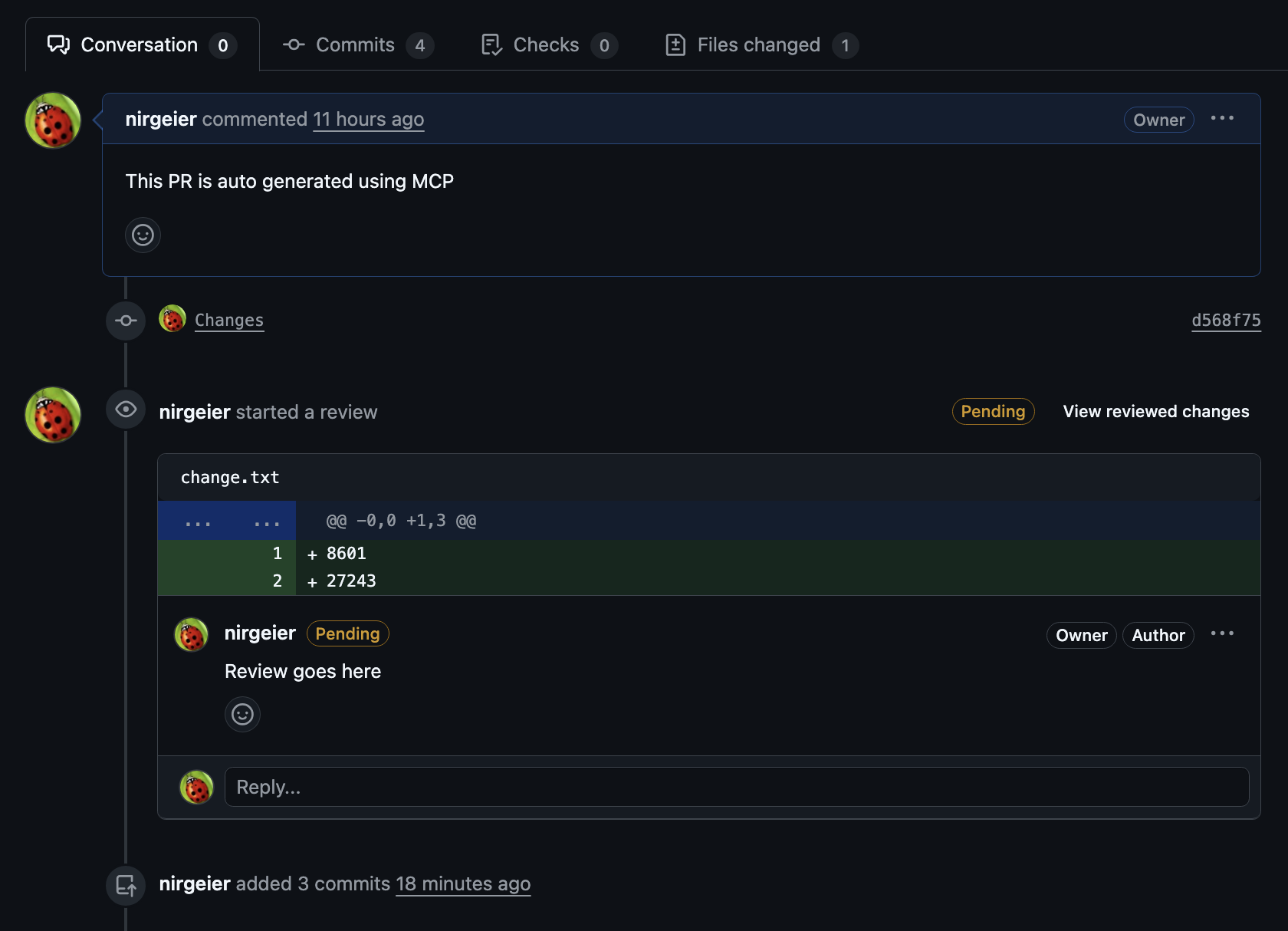
- Open the Conversation tab and review all open threads that need action.
- Go to Files changed and expand files with comments.
- Play around with the review and reply/comment on the feedback.
- Click Reply, answer/comment on the feedback.
- Accept a suggested change if provided.
- When required, click Resolve.
- Reopen Resolved threads if needed.
Tip
Use diff settings to speed up review:
- Hide whitespace changes (A very useful setting for ignoring formatting changes)
- Expand context (Show more lines)
- Toggle rich diff for binaries like images/Markdown
- Mark files as Viewed to track progress (Useful when you are working on multiple files)
3. Update the PR with Fixes
- Make your tweaks on the same branch (e.g.,
git-labs-branch). - Commit and push, the PR updates itself and you’ll see a refresh banner.
- If you see a
Refreshbutton, click it to update the PR view.